
The short answer
To choose AI marketing tools, decide in this order: need, time, budget, then shortlist. Name the one bottleneck the tool must fix, be honest about how many hours someone can give to adopting it, price it at your team size six months out, and only then compare two or three tools in a same-week trial. Most options drop out before the comparison starts.
There’s a new “must-have” AI marketing tool in your LinkedIn feed roughly every 48 hours. Half of them promise to 10x your output. The other half promise to replace an entire job function by Q3. And somewhere in between, you’re still trying to figure out whether you actually need a dedicated AI tool for social captions, or whether the one you bought in March is already doing that, you just forgot, because you also bought four others that month.
This is AI tool sprawl, and it’s not a personal failing. It’s what happens when a market floods faster than anyone can evaluate it. The average marketing team now has access to more AI tools than they have workflows to put them in, and “just try everything” stopped being a strategy the moment your card got charged for the fourth free-trial-that-wasn’t.
Here’s the good news: you don’t need to evaluate every tool on the market. You need a filter. This post walks through a simple, repeatable framework (need, time, budget, shortlist) that turns “which AI tool should I use” from an anxiety spiral into a 20-minute decision.
Why AI tool sprawl happens to smart marketers
Tool sprawl isn’t about a lack of discipline. It’s a structural problem with three causes:
- Low switching cost, high FOMO. Most AI tools offer a free tier or a cheap trial, so the cost of “just checking it out” feels like zero, until you’ve checked out fifteen of them and none are actually in your workflow.
- Marketing to marketers is really good. The people selling you AI tools are marketers. Their landing pages are built to make inaction feel like the risky choice.
- No one owns the stack. In most teams, tool adoption is bottom-up and ad hoc: someone on the team finds something useful, starts using it, and six months later nobody remembers why there are three separate AI writing tools open in different tabs.
The numbers back this up. In Gartner’s 2023 survey of 405 marketing leaders, teams were using just 33% of what their martech stack could do, down from 58% in 2020, while spending about a quarter of their marketing budget on technology.
None of this means AI tools are bad. It means you need a decision process that sits above the noise, not one more tool to manage.
The framework: need, time, budget, shortlist
The trick to choosing well isn’t finding the “best” AI tool in a category. It’s asking the right questions in the right order, so you eliminate 90% of the options before you ever open a comparison spreadsheet.
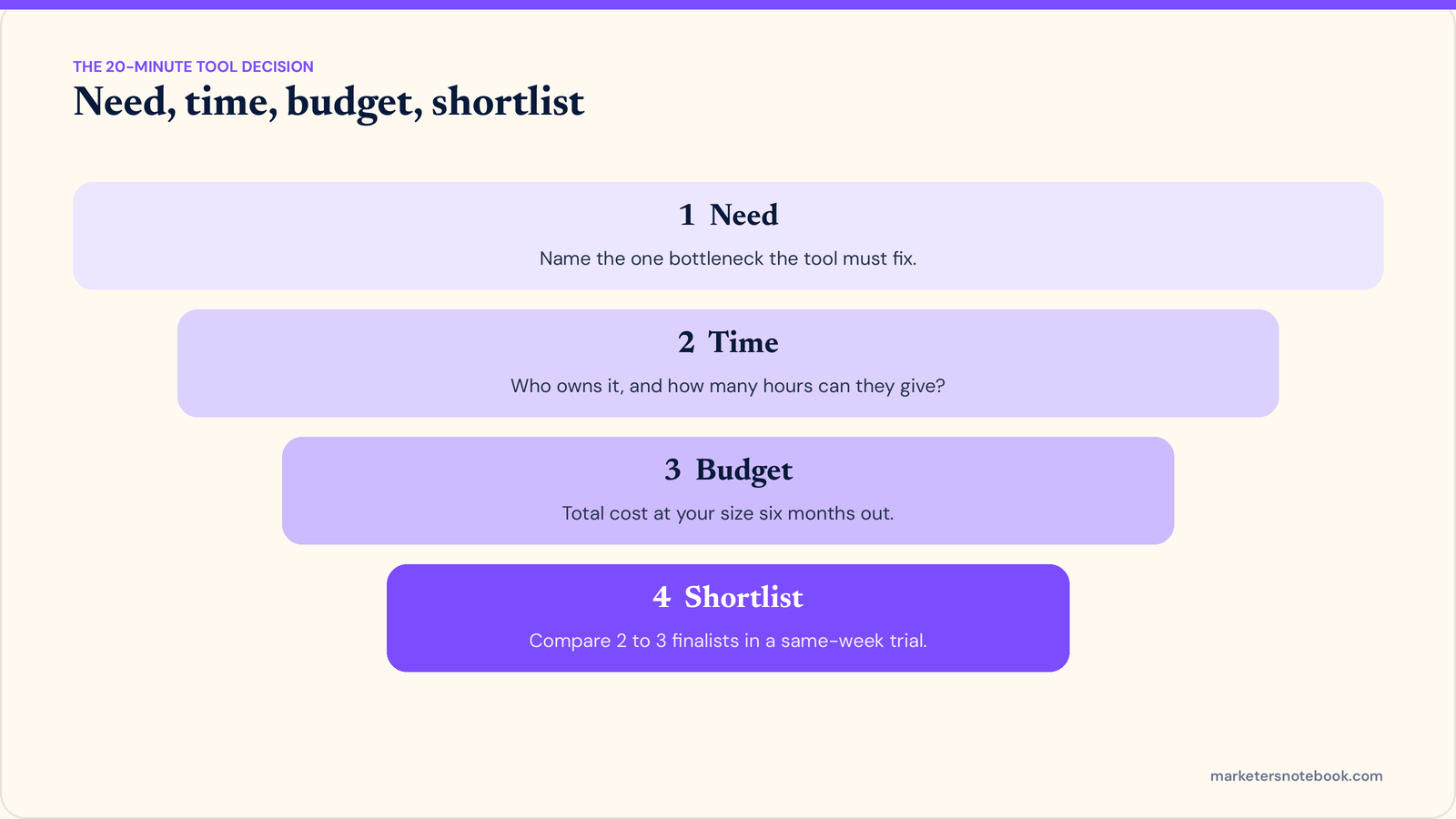
1. Need: what’s the actual bottleneck?
Before you look at a single tool, name the specific bottleneck it needs to solve. Not “I want to use more AI,” a real, observable constraint:
- Content production is slower than the publishing calendar requires.
- Campaign reporting takes half a day every week to assemble by hand.
- Personalization at scale is impossible with the current team size.
If you can’t name the bottleneck in one sentence, you’re not ready to shop, you’re browsing. Write the sentence down first. It becomes your filter for everything that follows.
2. Time: what’s your actual adoption capacity?
Every AI tool has two costs: the subscription, and the time it takes your team to learn it, integrate it, and actually change their workflow. The second cost is almost always underestimated.
Ask honestly:
- Who is going to own this tool, not just “use it once,” but actually own it?
- How many hours can that person realistically spend on setup and training this month?
- What existing tool or manual process does this replace, and who signs off on retiring it?
A tool that solves a real need but has no one to implement it is worse than no tool at all: it’s a recurring charge and a guilt trip.
3. Budget: total cost, not sticker price
The advertised price is rarely the real price. Factor in:
- Seat costs at the size you’ll actually be at in 6 months, not the size you are today.
- Integration or API costs, if the tool needs to talk to your CRM, CMS, or analytics stack.
- The cost of a second tool if this one only does 80% of the job and you’ll need a companion tool for the rest.
A rough rule that holds up well: if you can’t describe the tool’s ROI in a single sentence a CFO would nod at, the budget conversation isn’t ready yet.
4. Shortlist: now, and only now, compare tools
With need, time, and budget defined, your shortlist should already be short: usually 2 to 3 tools, not 15. At this stage, evaluate on:
- Whether it solves the specific bottleneck from step one (not adjacent, impressive-sounding features).
- Whether the learning curve fits the time you identified in step two.
- Whether the pricing model matches your budget reality in step three, including at scale.
If you want a broader lay of the land before narrowing your own shortlist, G2’s marketing software category pages are a solid independent starting point, since they let you compare tools side by side using real user reviews rather than vendor marketing copy.
Run a real trial, same task, same week, across your 2 to 3 finalists, rather than reading feature lists. The tool that wins is the one your team actually keeps opening in week three, not the one with the flashiest demo.
A quick example
Say your bottleneck (need) is that short-form video captions take too long to write for the volume you’re posting. You’ve got maybe three hours a month to learn a new tool (time), and a budget ceiling of $50/month for this specific task (budget). That combination alone eliminates most enterprise AI suites and most general-purpose writing tools, and leaves you comparing two or three caption-specific tools instead of an entire category. That’s the framework doing its job: not finding “the best tool,” but making the decision small enough to actually make.
Frequently asked questions
How many AI marketing tools should a small team realistically use?
There’s no universal number, but most lean marketing teams operate well with 3 to 6 core AI tools mapped to distinct bottlenecks, rather than one tool per task. If you can’t name what bottleneck each tool solves, that’s a sign you have more tools than needs.
Should I wait for AI tools to mature before adopting any?
No, but you should adopt against a defined need, not against hype. Tools solving a real, current bottleneck are worth adopting now; tools you’re buying because “everyone’s talking about it” are worth waiting on.
What’s the biggest mistake marketers make when choosing AI tools?
Skipping the “need” step and going straight to comparison shopping. Without a specific bottleneck defined first, every tool looks like it could be useful, which makes it impossible to say no to any of them.
How do I get buy-in to retire an old tool when adopting a new one?
Tie the swap to the same one-sentence bottleneck you used to justify the new tool. If the new tool solves it better, the old tool’s renewal becomes an easy “no” instead of a debate.
Is a free AI tool ever the wrong choice?
Yes, when the real cost is team time rather than money. A free tool that takes hours to configure and doesn’t fit an existing workflow can cost more than a paid tool that fits in ten minutes.
Wrap-up
You don’t need every AI tool in your feed. You need the one that fits a need you’ve already named, a time budget you’re honest about, and a dollar budget that makes sense at scale. Run your next tool decision through need, time, budget, shortlist, and see how much faster (and calmer) it feels.
What’s the AI tool sitting unused in your stack right now, and what would it take to finally retire it? Drop it in the comments.
1 comment